This Popular Google App Tests A Shortcut That Saves You Time
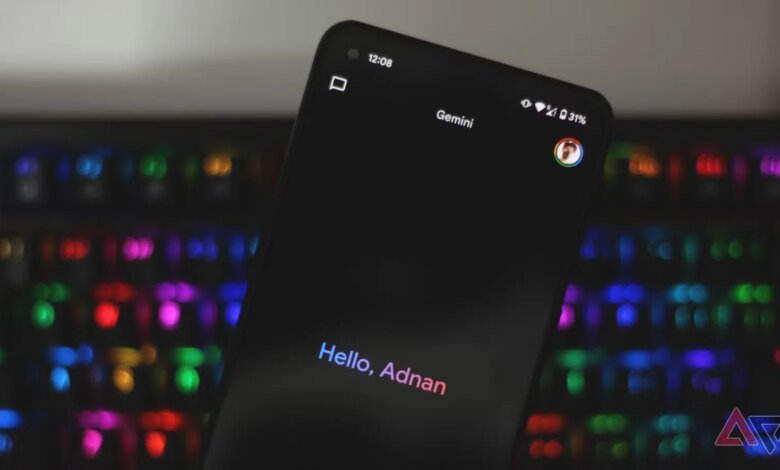

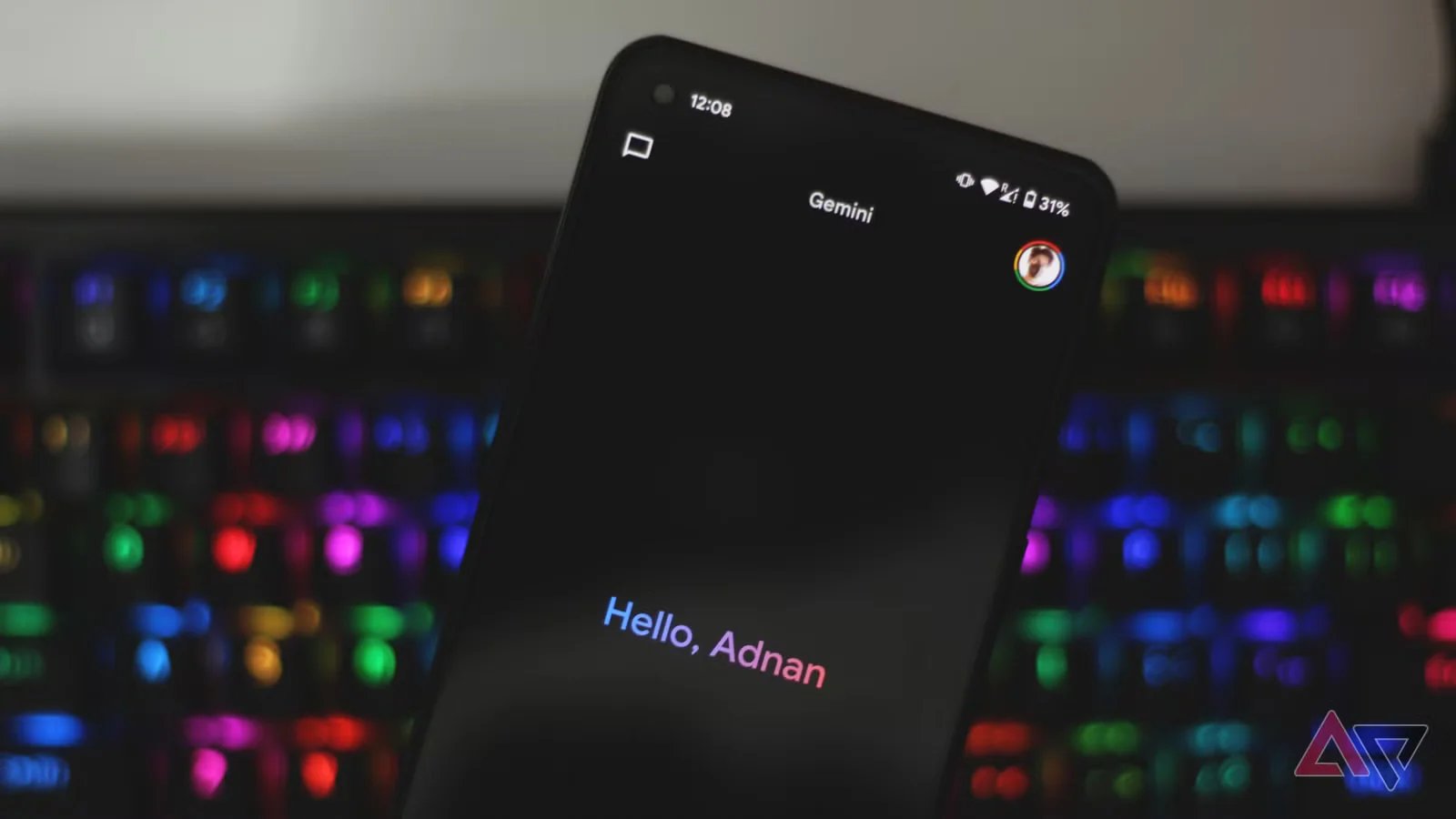

One of those popular ones is being able to choose the right mode before typing the prompt.
But Google is working on a new feature that might make this step less important, especially when you are looking for quick answers. Because if the Thinking mode, powered by Gemini 3 Pro, takes time, you’ll be able to quickly switch to the Fast mode for a quick answer.
Google Gemini tests a new Skip button to give you quick answers
As first spotted by Telegram user viridivn, Google has started testing a new Skip button that allows users to stop Gemini 3 Pro from thinking deeply to answer their questions. When you click the Skip option, it’ll automatically select the Fast mode, powered by Gemini 3.5 Flash, and give you a quick answer.
Credit: Google
The Skip button appears after you type the prompt and press Enter on your keyboard, so it’s like a tool to bypass Gemini’s deep thinking after asking your question in the Thinking mode. Several users on Reddit previously complained that, while Gemini 3 Pro is great, it’s pretty slow. Google may cut down the response time in future updates without compromising on accuracy, but for now, the company is focusing on allowing users to change the model when Gemini is still thinking.
This new Skip button is particularly useful when you want a straightforward answer to a simple question, or anything that doesn’t require deep thinking, and you forget to change the model from Thinking to Fast. It’s easy to forget to switch back because Gemini always opens to the last-used model.
Google appears to be testing this feature with select Google accountsso not everyone will see the Skip button. Folks over at Android Authority have dug in further into it and found a code reference to the new Skip button in Gemini. However, the code doesn’t reveal any additional functionality of the feature.
If you’re one of those select users, you’ll see the Skip button on both the Gemini mobile app and its web client. Hopefully, it’ll roll out to everyone sooner rather than later.
<
p style=”font-size:18px;color:#555″>
Disclaimer: This news article has been republished exactly as it appeared on its original source, without any modification.
We do not take any responsibility for its content, which remains solely the responsibility of the original publisher.
<
p style=”font-size:14px;color:#555″>
Author:Rahul Naskar
Published on:2025-12-15 17:08:00
Source: www.androidpolice.com
UAETodayNews delivers the latest news and updates from the UAE, Arab world, and beyond. Covering politics, business, sports, technology, and culture with trusted reporting.
Disclaimer: This news article has been republished exactly as it appeared on its original source, without any modification. We do not take any responsibility for its content, which remains solely the responsibility of the original publisher.
Author: uaetodaynews
Published on: 2025-12-15 16:47:00
Source: uaetodaynews.com